


Chrome Shipped WebMCP. Your Website Now Has Two Audiences.

Bugs Monkey
Mar 13, 2026
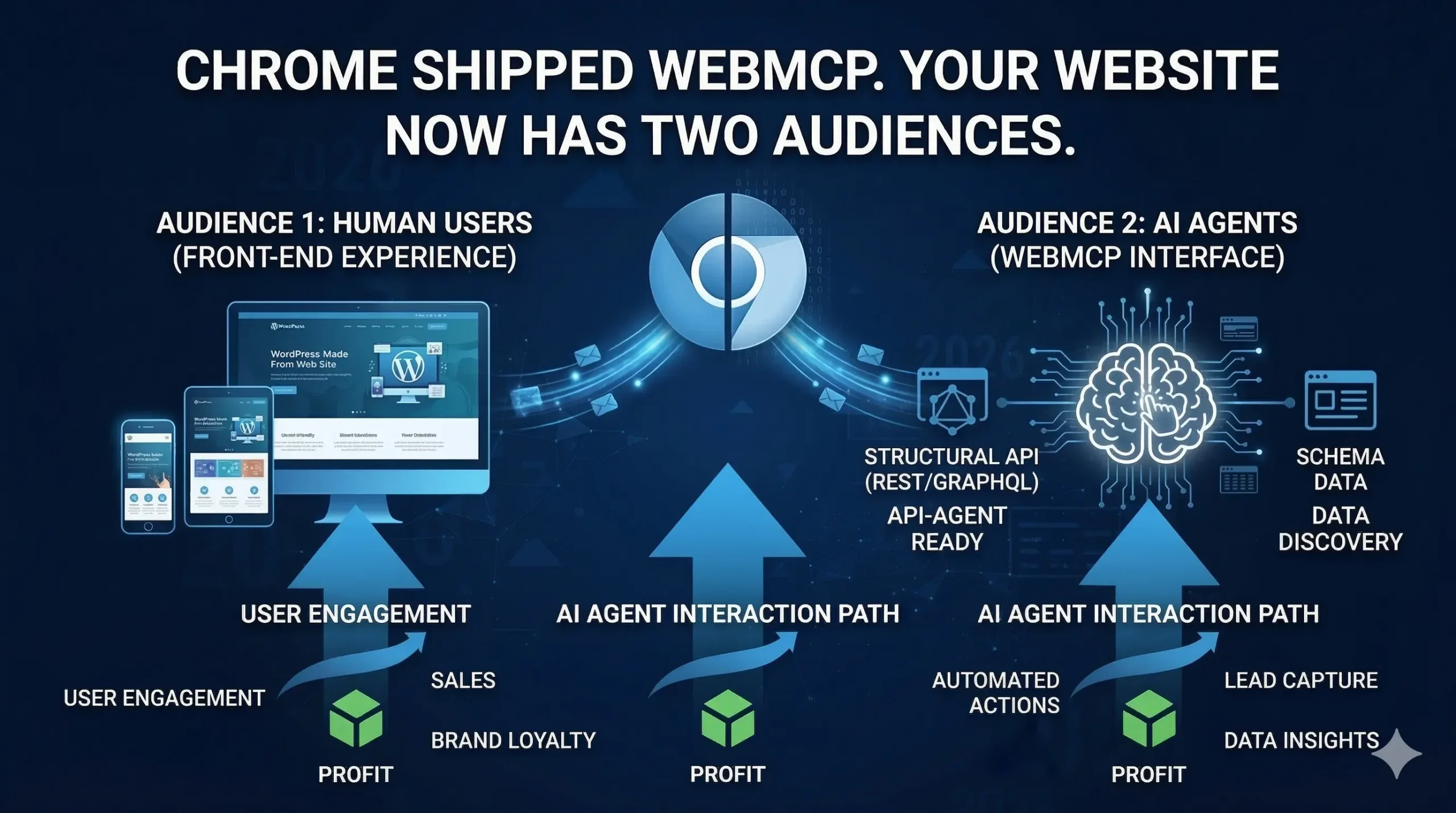
Google quietly dropped something big in February 2026. Chrome 146 shipped with an early preview of WebMCP, and if you missed it in your usual news feed, you are not alone. It did not come with a flashy keynote. But the implications for every business website, online store, and web app are significant enough that ignoring it right now will cost you later.
Here is the short version. AI agents like ChatGPT, Gemini, and Copilot are already browsing the web on behalf of real users. They search, compare, and complete tasks. But the way they interact with websites today is clunky. They take screenshots, parse raw HTML, and guess where to click. It is slow, expensive, and breaks every time you update your layout. WebMCP fixes that. It gives AI agents a direct, structured way to use your website’s actual functions, without any guesswork.
Your website has always had one audience: humans. As of 2026, it has two.
What WebMCP Actually Is (Without the Jargon)
WebMCP stands for Web Model Context Protocol. It is a new browser standard being developed jointly by Google, Microsoft, and the W3C, which is the body that sets the rules for how the web works. Think of it as a handshake layer between your website and AI agents.
Without WebMCP, an AI agent visiting your product page has to figure out where the “Add to Cart” button is by reading your HTML or analysing a screenshot. It might work. It might not. And if you update your site design, the agent breaks. With WebMCP, your website can explicitly say: “Here is a function called addToCart. It needs a product ID and a quantity. Call it and I will handle the rest.” The agent does not need to look at anything. It just calls the function.
Think of WebMCP as turning your website into an API that AI agents can use, without you having to build or maintain a separate API.
The API itself lives at navigator.modelContext in the browser. Google confirmed the early preview rolled out in Chrome 146 under a testing flag, with broader browser support expected from mid-to-late 2026. Microsoft is actively co-authoring the spec, which makes Edge support a safe bet too. This is not a single-vendor experiment. It is a joint standards effort with serious institutional weight behind it.
For a fuller look at how the protocol fits into the broader MCP landscape, the WebMCP updates and clarifications post covers what changed between the draft spec and the Chrome 146 launch.
Two Ways to Make Your Website Agent-Ready
WebMCP gives developers two paths. They are not mutually exclusive, and most production websites will end up using both.
The Declarative API: Your Existing Forms Are 80% of the Way There
If your website already has clean, well-structured HTML forms, the Declarative API requires almost no extra work. You add two attributes to a form element: toolname and tooldescription. The browser reads those attributes and automatically translates the form’s fields into a structured schema that any AI agent can understand and use.
A hotel booking form that once required an agent to click through date pickers and dropdown menus now becomes a named, callable function. The agent fills in the parameters, the browser submits the form, and the whole interaction completes in a single step rather than a dozen. For e-commerce businesses especially, this is meaningful. Every friction point an agent hits is a potential drop-off. Removing that friction for agentic traffic is the same logic that drove mobile optimisation a decade ago.
The Imperative API: For Everything More Complex
Dynamic interactions that depend on JavaScript need the Imperative API. This is where you use navigator.modelContext.registerTool() to define richer tool schemas programmatically. You describe what a function does, what parameters it accepts, and what it returns, all in a format that AI agents can parse and call directly.
For something like a product search with live filters, a configurator, or a multi-step checkout, this is the right approach. The agent makes one structured call, gets structured JSON back, and moves on. Compare that to the current alternative: the agent takes multiple screenshots, infers what changed on the page, makes another guess, and repeats. The Imperative API collapses that entire loop into a single, reliable interaction.
The WordPress MCP Adapter post shows how this plays out specifically for WordPress sites, including how backend tools and browser-facing WebMCP tools can work together.
The Human-in-the-Loop Part Matters More Than You Think
One thing that gets lost in the technical coverage is that WebMCP is explicitly designed for cooperative, human-approved interactions. This is not unsupervised automation running wild. The spec requires user confirmation before an agent executes sensitive operations, with the browser acting as the mediator.
Google and Microsoft describe this through three pillars built into the spec: context (what the user is currently doing), capabilities (what actions the site offers), and coordination (the handoff between agent and user when the agent hits something it cannot resolve alone). The browser, not the AI, manages that handoff. Users stay in control. Your site does not get taken over.
This design decision also matters for trust. Businesses that implement WebMCP are not handing the keys to the car. They are publishing a menu of what their site can do. Agents can only call what is explicitly offered.
Why This Is the New SEO (And Why the Analogy Actually Holds)
When mobile traffic became a meaningful share of web visits, sites that had not built responsive layouts started losing ground fast. Not because they disappeared from search results. Because users arrived and immediately left. The experience was broken.
WebMCP is setting up the same dynamic. Semrush published a solid breakdown this week noting that optimisation is no longer just about being found. It is about being usable. An AI agent acting on a user’s behalf will complete a transaction on a competitor’s site if your site does not expose the tools the agent needs. The user never sees the comparison. The agent just moves on.
Organic search optimised for humans will remain important. But agentic traffic is coming, and the sites that are machine-usable as well as human-readable will compound that advantage over time. Early movers in mobile responsiveness, HTTPS adoption, and Core Web Vitals all saw the same pattern. The standard becomes table stakes. The gap closes. But the sites that moved early built authority while others scrambled.
The Core Web Vitals and SEO post covers the human-facing performance side of this equation, which WebMCP readiness builds directly on.
What This Means for E-Commerce Specifically
E-commerce has the most immediate exposure here, in both directions. The upside is significant: a Shopify or WooCommerce store that registers a proper searchProducts tool can handle agentic product queries with a single structured call. No DOM crawling. No broken selectors. Accurate, fast, reliable results.
The downside is equally clear. An AI agent trying to shop on behalf of a user will take the path of least resistance. If your checkout exposes clean WebMCP tools and a competitor’s does not, your store wins that transaction without the user making an active choice. And if it is the other way around, you lose it the same way.
For stores running on custom-built stacks or headless architectures, WebMCP implementation is a natural extension of the API-first approach already in place. For template-based stores where the codebase is less accessible, it requires more deliberate work to layer in the right tool definitions without breaking existing functionality.
The e-commerce development services page covers how custom builds set up this kind of flexibility from the start.
The WordPress Angle Is Particularly Interesting Right Now
WordPress powers a huge share of the web, and the WebMCP story for WordPress sites is still being written. The good news is that the Declarative API works with any well-structured HTML, which means a properly built WordPress site is already partially positioned. Forms built on clean markup, with logical field names and standard input types, translate into agent-readable tools with relatively light implementation work.
The more complex interactions, the ones involving dynamic content, custom post types, or WooCommerce catalogue queries, need the Imperative API and some JavaScript work. That means the plugin layer and theme architecture matter. A heavily bloated WordPress setup with conflicting scripts and poorly structured output creates real friction for WebMCP implementation, the same way it created friction for performance and Core Web Vitals before it.
Headless WordPress setups have a structural advantage here. With the front end decoupled and built in React, tool registration through navigator.modelContext.registerTool() fits naturally into the component architecture. The content API on the WordPress side stays clean, and the front end handles the agent-facing layer without fighting plugin conflicts or theme limitations.
The headless WordPress service page explains why this architecture has been the right call for performance-focused projects, and WebMCP readiness is another reason to make the case for it now.
What You Should Actually Do Right Now
Full browser support is still months away. Chrome 146 is running WebMCP behind a testing flag. That is not a reason to wait. It is a reason to start the groundwork now, while the spec is still taking shape and the competition has not moved yet.
The first step is an honest audit of your site’s HTML structure. Are your forms clean and semantically correct? Do your input fields use proper names that a schema could map to logical parameters? Do your interactive features depend on heavy JavaScript that would break outside of a normal browser session? These questions matter for WebMCP implementation, and they also matter for performance, accessibility, and SEO right now.
The second step is to think about which user actions on your site have the highest business value, purchases, bookings, quote requests, lead form submissions, and prioritise making those agent-accessible first. You do not need every function on the site to be WebMCP-ready on day one. You need the functions that drive revenue to be reliable for every visitor, human or otherwise.
The third step is to make sure the technical stack can support it. That is where the architecture decisions made today determine how easy or painful this is at rollout. A well-built custom site, a headless CMS, a clean API layer, these are the foundations that make WebMCP implementation a matter of days, not months of refactoring.
This Is Not a Future Problem
The early preview is live. The spec is in active development at W3C. Google and Microsoft are both committed. Broader rollout is expected before the end of 2026. The question is not whether AI agents will be using your website. It is whether your website will be ready when they do.
Bugs Monkey has been tracking WebMCP since the first draft spec landed and has already worked through the implementation patterns for both WordPress and custom React-based builds. If you want to understand where your site stands and what the realistic path to agent-readiness looks like for your specific stack, that conversation starts at the get started page.
Your competitors are not thinking about this yet. That is the window.