


WebMCP WordPress: Your Site Can Now Talk to AI Agents Natively

Bugs Monkey
Mar 9, 2026
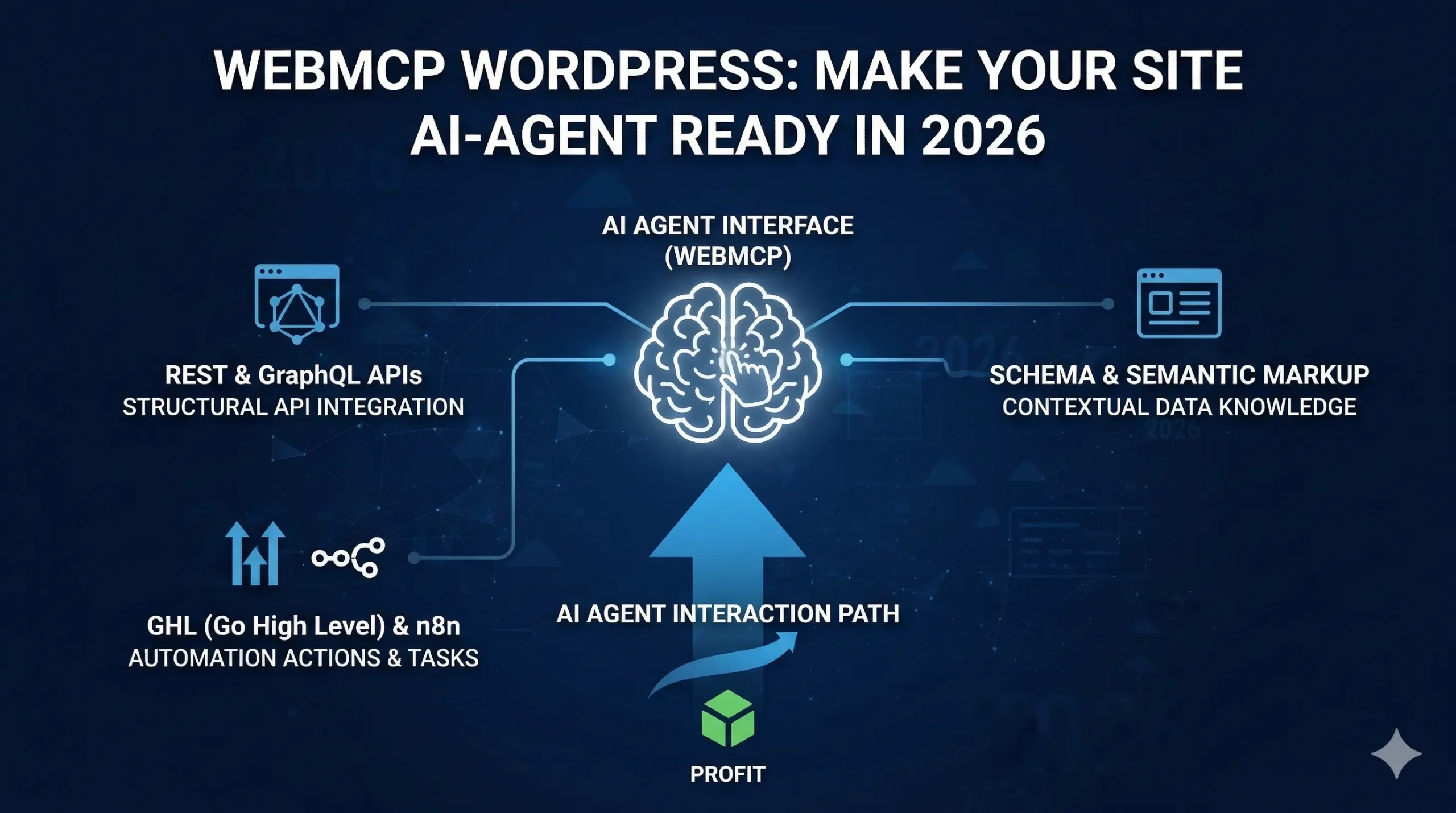
When an AI agent visits a standard website today, it is essentially guessing. It takes screenshots, parses messy HTML, and hopes it clicks the right thing. A button that says “Submit” could mean a dozen different things, and the agent has no reliable way to know which one applies without trial and error.
WebMCP ends that guessing game. It is a new browser-level standard from Google and Microsoft, currently in early preview inside Chrome 146, that gives websites a formal way to tell AI agents exactly what they can do. For WordPress sites, a specific plugin already bridges the gap between the WordPress Abilities API and the WebMCP standard. The two pieces connect cleanly, which makes this one of the more practical AI integrations available for WordPress right now.
What WebMCP Actually Is
Instead of an AI agent figuring out your website the way a human would (reading labels, clicking around, hoping for the best), your site publishes a structured list of things it can do. The agent reads that list directly. No interpretation required.
Technically, it works through a new browser API called navigator.modelContext. When a WebMCP-enabled site loads in Chrome, the page registers its available tools using navigator.modelContext.registerTool(). Each tool has a name, a plain-language description, and a JSON Schema defining exactly what inputs it accepts. When an AI agent visits the page, it queries that tool registry, picks the right tool, and calls it directly.
Google officially described WebMCP as giving websites a clear “Tool Contract” that AI agents can rely on. The analogy that keeps coming up: WebMCP is to AI agent interactions what USB-C is to device charging. One standard interface, every compatible device.
Early production testing shows task accuracy around 98% with WebMCP tools, compared to roughly 45% with vision-based browsing. Compute overhead drops by around 67%, and token efficiency improves by up to 89% versus screenshot-based agents. Those are not incremental numbers.
How WebMCP Connects to WordPress
WordPress 6.9 shipped with the Abilities API built into core. The Abilities API is a central registry where plugins declare what they can do. Each ability gets a label, description, input schema, permission rules, and an execute callback. It is a machine-readable menu of what your WordPress site knows how to do.
The WebMCP Abilities plugin from Code Atlantic bridges that registry to the browser-level WebMCP standard. When the plugin is active, every registered WordPress Ability gets exposed to the browser via navigator.modelContext.registerTool(). An AI agent visiting the site in Chrome 146 can query those tools directly. Structured JSON in, structured JSON out.
Your plugin calls wp_register_ability() once. The WebMCP Abilities plugin picks it up and registers it with the browser. Any AI agent visiting your site in a WebMCP-capable browser can discover and call that ability without any pre-configuration on the agent side. One registration. One plugin.
The Default Tools You Get on Day One
The WebMCP Abilities plugin ships with tools covering the most common read-only use cases. Without registering a single custom ability, an AI agent visiting a standard WordPress site can perform full-text search across published content, retrieve any post by ID or slug with full metadata, list all categories, and pull back navigation menus. That is a genuinely useful starting set before any custom development happens.
WebMCP vs Other WordPress API Approaches
WebMCP does not replace REST APIs. When an agent calls a WebMCP tool, the plugin fires a REST request internally with proper authentication. The REST layer still handles the actual database interaction. WebMCP just makes the capabilities legible to agents without requiring pre-configuration on the agent side.
Vision-based browsing (screenshots and DOM parsing) sits at roughly 45% task accuracy with no setup required but significant fragility. Direct REST API calls give high accuracy but require the agent to have pre-configured endpoint knowledge for every site. The WordPress MCP Adapter handles CLI and HTTP transport agents well but requires server-side setup. WebMCP handles browser-based agents through auto-discovery and reaches roughly 98% accuracy with the simplest setup path of the four.
The difference matters most for write operations. A shopping agent with 45% accuracy completing a checkout is not usable. The same agent at 98% accuracy is.
If your WordPress setup lacks a coherent REST architecture underneath, adopting WebMCP will surface structural problems quickly. Custom WordPress development built around long-term extensibility gives you the foundation that makes all of this work cleanly.
Security and Permissions
WebMCP is permission-first. The browser acts as an intermediary between the AI agent and your site. For sensitive operations (completing a purchase, submitting a form, triggering a write operation), Chrome surfaces a confirmation prompt to the actual user before executing. The AI handles the task, the human stays in control.
On the WordPress side, the plugin enforces HTTPS at the bridge level. Write operations require a valid X-WP-Nonce header. Permission callbacks from the Abilities API are checked at execution time, not just at discovery. An agent cannot discover an ability it is not authorized to call, and if it somehow queried one, the execute callback would reject it.
Start with read-only abilities. Search, retrieve, list. Test against a local Chrome 146 Canary setup with the WebMCP flag enabled. Add write-capable abilities only after reviewing every permission callback in detail.
How to Get WebMCP Running on WordPress
Step 1 – Confirm WordPress 6.9 or Later
The Abilities API is a core addition in WordPress 6.9. Without it, the WebMCP Abilities plugin has no foundation. Update first.
Step 2 – Install the WebMCP Abilities Plugin
The plugin from Code Atlantic is available at the code-atlantic/webmcp-abilities GitHub repository. Clone it into wp-content/plugins/, run composer install --no-dev, and activate. Default tools go live immediately.
Step 3 – Enable WebMCP in Chrome 146+
Navigate to chrome://flags and search for “WebMCP for testing.” Enable the flag and relaunch. Currently only available in Chrome Canary (version 146+).
Step 4 – Register Custom Abilities
Use wp_register_ability() with a name, description, input schema, permission callback, and execute callback. The WebMCP Abilities plugin picks up new registrations automatically. No separate WebMCP configuration needed.
Step 5 – Test With a Browser-Based AI Agent
Connect an MCP-compatible browser agent to your site and verify it discovers and calls your tools correctly. The Code Atlantic team has published a live demo using Gemini 2.5 Flash that makes the expected behaviour concrete before you build your own test.
What This Means for WooCommerce and E-commerce
WooCommerce sites have the most to gain from WebMCP. A shopping agent that calls structured tools to search products, check inventory, retrieve recommendations, or initiate checkout is far more reliable than one scraping product pages visually. The accuracy gap matters far more when the end action is a financial transaction than when it is reading an article.
WooCommerce’s own MCP integration is in developer preview behind a feature flag, building on the same Abilities API foundation. For stores being built or rebuilt now, designing the Abilities layer into the architecture from the start is the right decision. See how e-commerce development at Bugs Monkey approaches architecture built for long-term extensibility.
The SEO Implication Nobody Is Talking About Yet
If AI agents increasingly use WebMCP-exposed tools to complete tasks that previously required reading content and navigating pages, then your site’s visibility to those agents starts to depend on what tools you have registered, not only what content you have published.
A WordPress site with no WebMCP abilities is still browsable the old way. A WordPress site with well-designed WebMCP tools will be more accurately understood, more reliably actioned, and more likely to be the site an AI agent completes a task on rather than moving to a competitor.
That conversion-level implication is what makes this worth taking seriously now. For the broader context on how technical factors shape search and conversion performance today, the post on Core Web Vitals, SEO, and conversions in 2026 covers where WebMCP sits in the wider technical picture.
The Honest Picture: Early but Real
WebMCP is a W3C Community Group Draft Report, not a finalized standard. The specification was published in February 2026 and sits in early preview in Chrome 146 Canary behind a flag. Edge support is expected but not formally confirmed. Firefox and Safari have not signalled plans yet. Breaking changes are likely before the spec stabilises.
None of that makes it irrelevant. Production demos exist. The WordPress integration works. Google and Microsoft are co-developing the standard, which is a credible signal that broad browser adoption is coming.
The appropriate response for a WordPress developer or site owner today is to understand the system, build familiarity in a development environment, and make deliberate decisions about which abilities to register and when. The teams that understand how the Abilities API, WebMCP, and the MCP Adapter work together will be the ones building the most capable AI-native WordPress experiences when the standard reaches general availability.