


Understanding Traditional WordPress Speed: Tackling Slow Load Times and High Bounce Rates

Bugs Monkey
Feb 9, 2026
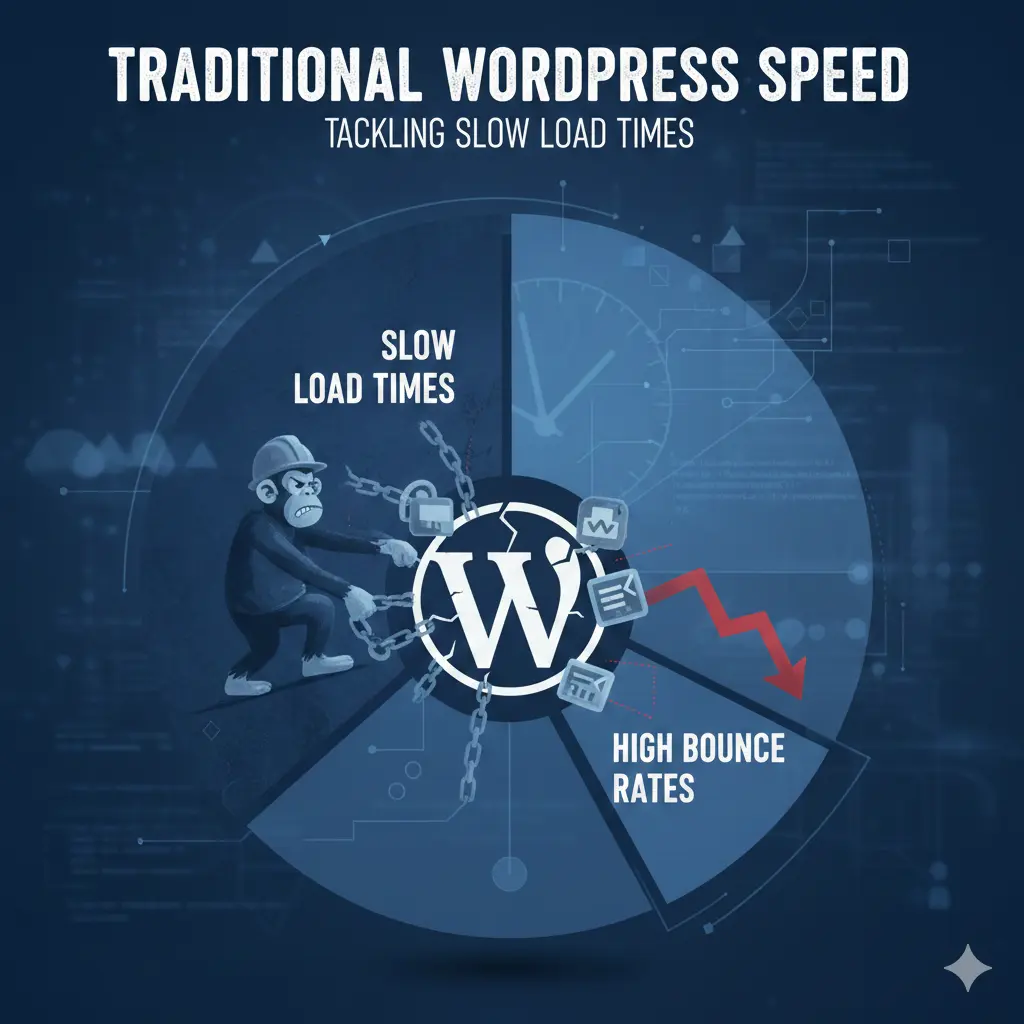
Are your visitors leaving your website within seconds? Discover why traditional WordPress sites often suffer from slow load times and high bounce rates, and learn practical strategies to boost your site’s speed and keep visitors engaged. Unlock the secrets to a faster, more efficient website that turns visitors into loyal customers.
If site speed is limiting growth, teams often explore modern alternatives supported by Bugs Monkey to reduce bounce rates and improve performance.
The Importance of Website Speed for User Engagement and SEO
How website speed impacts user experience and retention
In today’s fast-paced digital world, visitors expect websites to load quickly. If your website takes too long to load, users become impatient and are more likely to leave before engaging with your content. A slow website can frustrate visitors, leading to a poor user experience that discourages repeat visits. For example, if someone is searching for a product like adding olive oil or looking for advanced search features, they want instant access. Delays can cause them to abandon your site and look elsewhere.
The correlation between load times, bounce rates, and search engine rankings
Research shows that even a few seconds of delay can significantly increase bounce rates – the percentage of visitors who leave after viewing only one page. High bounce rates indicate that your website isn’t meeting user expectations, which can negatively impact your search engine rankings. Search engines like Google prioritize fast-loading websites because they provide better user experiences. Therefore, traditional WordPress sites suffering from slow load times often rank lower, reducing organic traffic and potential conversions.
Why traditional WordPress sites often struggle with slow performance
Traditional WordPress setups can become sluggish due to several factors, including excessive plugins, unoptimized media, and outdated software. As websites grow, they tend to accumulate unnecessary code and features that slow down load times. Without proper optimization, these sites struggle to deliver a smooth experience, especially when hosting environments are not tailored for high performance. This is where alternatives like headless WordPress and tailored builds through custom WordPress development services become a practical option for speed-focused businesses.
Common Causes of Slow Load Times in Traditional WordPress Websites
Excessive use of plugins and poorly optimized themes
While plugins extend functionality, too many or poorly coded plugins can bloat your site and cause slowdowns. For example, plugins that add advanced search features or integrate with email address subscribe forms can increase server load if not optimized.
Large image files and unoptimized media content
High-resolution images, such as those used for product displays or blog images, can significantly impact load times if not compressed or optimized. For instance, a large image of Abbottsford Cycles’ latest bike models can slow down your pages if not resized properly.
Inefficient hosting environments and server configurations
Hosting plays a crucial role in website speed. Shared hosting or servers located far from your target audience – like in Malang East Java Indonesia – may introduce latency. Proper server configurations and choosing a reliable hosting provider are essential for optimal performance.
Outdated WordPress core, themes, and plugins
Running outdated software can cause compatibility issues and security vulnerabilities, leading to slower performance. Regular updates ensure your site benefits from performance improvements and security patches.
Excessive code bloat and unminified scripts
Unoptimized code, including unminified CSS and JavaScript files, adds unnecessary weight to your pages. This results in longer load times and a poorer user experience, especially on mobile devices.
Practical Strategies to Improve Traditional WordPress Speed
Optimizing images and media for faster loading
Compress images using tools like TinyPNG or WP Smush to reduce file size without sacrificing quality. Lazy loading images ensures they load only when visible, improving initial load times.
Caching techniques and Content Delivery Networks (CDNs)
Implement caching plugins such as W3 Total Cache or WP Super Cache to serve static versions of your pages. Using a CDN distributes your content across multiple servers worldwide, reducing latency – crucial for access license key validation or e-commerce sites like advantages online shopping.
Minimizing plugin usage and selecting lightweight themes
Limit plugins to essential functions and choose themes optimized for speed. A lightweight build created through headless architecture removes unnecessary front-end weight while keeping WordPress flexible on the backend.
Regularly updating WordPress core, themes, and plugins
Keep everything up to date to benefit from performance improvements and security patches. This proactive approach prevents slowdowns caused by outdated code.
Implementing code minification and lazy loading
Minify CSS and JavaScript files to reduce their size. Enable lazy loading for images and videos to improve perceived performance, especially on mobile devices.
Advanced Techniques for Enhancing WordPress Performance
Many growing brands now choose headless WordPress development services to separate content management from presentation and improve load times across regions.
Database optimization and cleanup
Regularly optimize your database by removing post revisions, spam comments, and transient options. Plugins like WP-Optimize can automate this process.
Utilizing performance plugins and tools
Leverage tools like Query Monitor or New Relic to identify bottlenecks. Performance plugins can also help monitor and improve site speed.
Serverside improvements and choosing the right hosting provider
Opt for managed WordPress hosting providers that offer server-side caching, PHP optimization, and scalable resources. For instance, selecting a hosting provider with data centers close to your target audience, such as in Malang East Java Indonesia, can significantly improve load times.
Monitoring website speed with analytics and diagnostic tools
Use Google PageSpeed Insights, GTmetrix, and Pingdom to regularly assess your site’s performance. These tools provide actionable insights to guide ongoing optimization efforts.
Measuring Success
Using Google PageSpeed Insights, GTmetrix, and Pingdom
These tools analyze your website’s speed and provide detailed reports on areas for improvement. They also suggest specific actions, such as minifying scripts or leveraging browser caching.
Interpreting performance reports and actionable insights
Focus on key metrics like load time, Time to First Byte (TTFB), and Largest Contentful Paint (LCP). Implement recommended fixes step-by-step to enhance performance.
Setting realistic speed benchmarks for your website
Aim for a load time under 3 seconds for optimal user experience. Remember, benchmarks may vary depending on your industry and audience location.
Conclusion
The long-term benefits of optimizing website speed
A faster website not only improves user engagement but also enhances your SEO rankings, leading to increased traffic and conversions. For example, a well-optimized site can turn visitors into loyal customers, whether they’re subscribing via email address or making purchases.
Continuous monitoring and maintenance for sustained performance
Website speed optimization is an ongoing process. Regularly update your software, monitor performance metrics, and adapt your strategies to maintain optimal speed.
Turning visitors into loyal customers through improved user experience
Investing in speed improvements – whether through traditional methods or headless architecture – creates a seamless experience that encourages visitors to stay longer, explore more, and ultimately become loyal customers. Investing in speed improvements through headless WordPress website development creates faster load times, smoother email address subscribe flows, and better long-term SEO performance. Teams working with experienced partners like Bugs Monkey see consistent gains in engagement and conversions without compromising flexibility.