


WordPress Performance Optimization When Core Web Vitals Are Hurting Your Business

Bugs Monkey
Feb 2, 2026
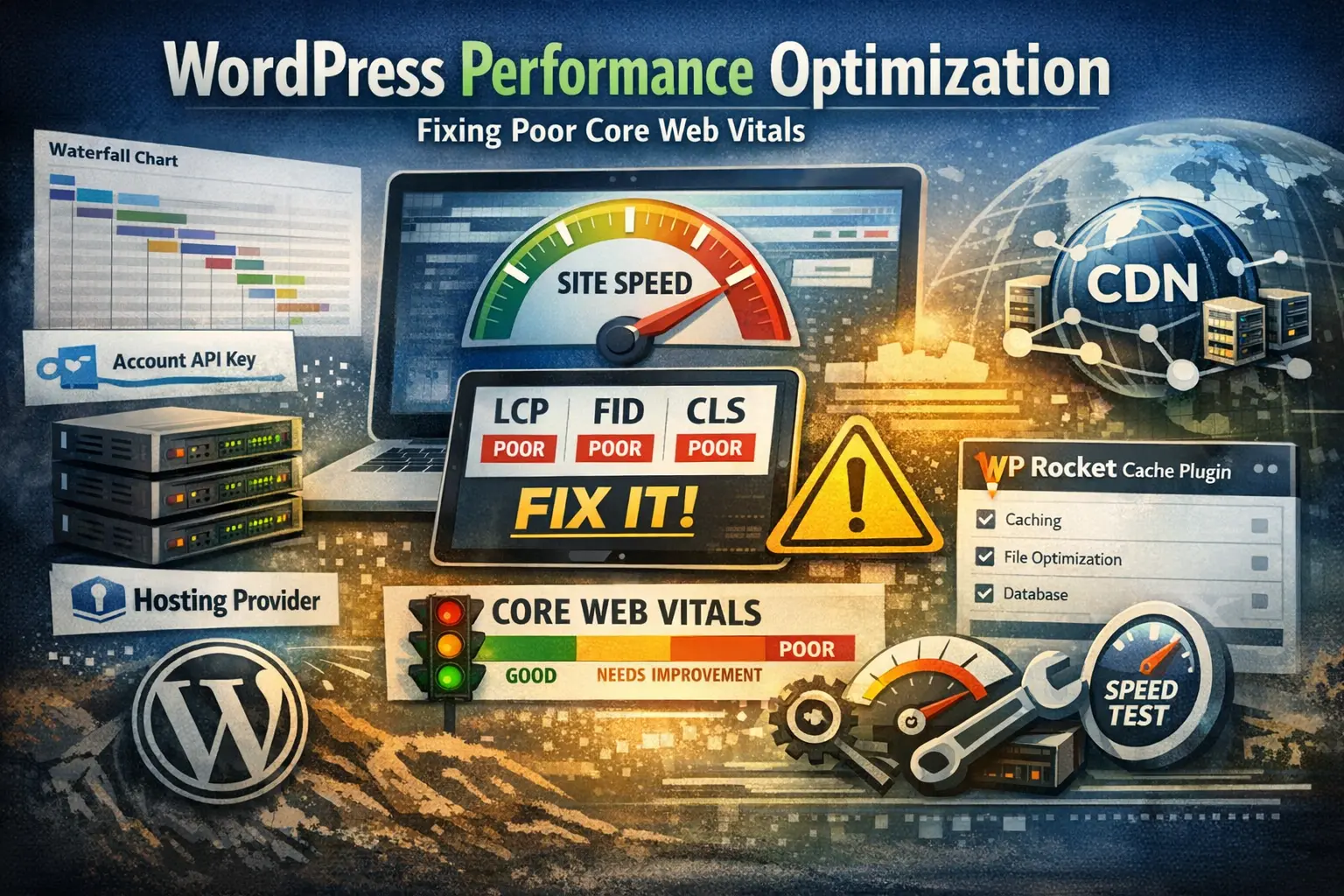
If a WordPress site feels slow, Google sees it too. Poor Core Web Vitals drag down rankings, raise bounce rates, and quietly cost leads. This is not a theme problem. Not a plugin problem either. It is a system problem, and it shows up as real performance issues the moment traffic hits your pages.
This guide breaks down WordPress performance optimization in plain language. No fluff. Just what actually fixes site speed and brings Core Web Vitals back into the green.
Why Core Web Vitals Fail on So Many WordPress Sites
Most WordPress sites are built to look good first and run fast later. That trade-off rarely works.
Common patterns show up again and again during a WordPress website speed test:
- Bloated page builders like WP Bakery Visual Composer loading assets everywhere.
- A cheap hosting provider with no real server-level caching.
- No content delivery network, so global users wait on a single server.
- Poor PHP handling, sometimes missing even basic options like alternative PHP cache APC.
- Plugins stacked on plugins, each adding scripts, fonts, and database calls.
All of this hits user experience hard. Layout shifts. Delayed interaction. Slow first paint. Google measures every one of those.
Start With the Foundation: Hosting and Server Setup
Before touching WordPress itself, the server has to be right.
A solid hosting provider matters more than any plugin. Look for:
- A modern web stack with proper PHP workers.
- Access to a real web hosting control panel where caching, PHP versions, and memory limits are visible.
- Support for object caching and opcode caching, including alternative PHP cache APC or OPcache.
Some hosts require an account API key to connect performance tools or external services. That is normal. What matters is whether those tools actually work at the server level, not just inside WordPress.
If the server struggles, no amount of front-end tuning will save the WordPress site.
Caching Done Right, Not Halfway
Caching is where many sites think they are covered. Usually they are not.
A proper setup includes:
- Page caching through a reliable plugin like WP Rocket cache plugin.
- Browser caching and GZIP or Brotli compression.
- Database cleanup without aggressive settings that break content.
WP Rocket cache plugin works well when paired with good hosting. On weak servers, it masks problems instead of fixing them.
Caching alone will not speed WordPress site performance if the backend is overloaded or misconfigured.
Content Delivery Network: Non-Negotiable for Speed
A content delivery network is not optional anymore. It is the difference between a local site and a global one.
A CDN:
- Serves images, scripts, and styles from locations closer to users.
- Reduces load on the origin server.
- Improves Largest Contentful Paint, a key Core Web Vitals metric.
Without a CDN, even a well-optimized site slows down the moment traffic comes from outside one region.
Page Builders and Hidden Performance Costs
WP Bakery Visual Composer is powerful, but it carries weight. Extra DOM nodes. Inline styles. JavaScript that loads even when unused.
This does not mean it must be removed, but it must be controlled:
- Disable unused modules.
- Load assets only where needed.
- Replace heavy elements with lighter alternatives where possible.
Ignoring this step keeps wordpress performance optimization stuck at a ceiling no cache can break through.
Test, Fix, Test Again
One speed test is not enough.
Run a WordPress website speed test using multiple tools. Look for patterns, not scores. Waterfall charts tell the real story.
Core areas to watch:
- Time to First Byte
- Largest Contentful Paint
- Total Blocking Time
When these improve, user experience improves. Rankings usually follow.
For deeper reading on how Google evaluates performance, this recent guide from Google explains Core Web Vitals in detail:
official Core Web Vitals documentation
Where Most Businesses Get Stuck
The problem is rarely knowledge. It is execution.
Settings conflict. Hosting limits get ignored. Plugins overlap. Performance tweaks get applied in isolation.
That is why many businesses reach out to Bugs Monkey after trying everything else. Performance is treated as a system, not a checklist.
For teams dealing with ongoing speed problems, the work usually starts with a full audit through the services page , followed by structural fixes, not cosmetic ones.
If Core Web Vitals are holding the site back and traffic already exists, it is time to stop guessing. A focused performance review often clears more ground than months of plugin swapping.
When you are ready, the next step is simple.